Knowledge Base
All Articles / Backup /
How to backup to Google Drive
KLS Backup can use Google Drive as a backup destination.
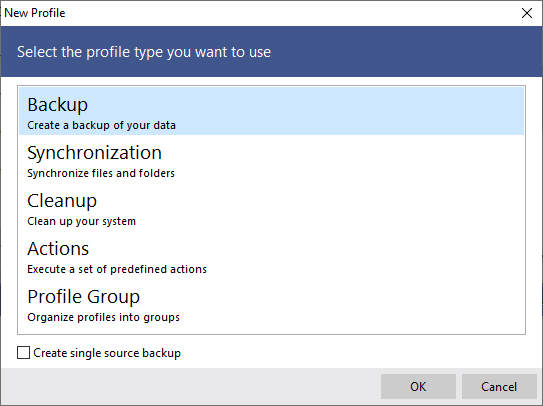
In order to back up your data, the first step is to create a new backup profile:
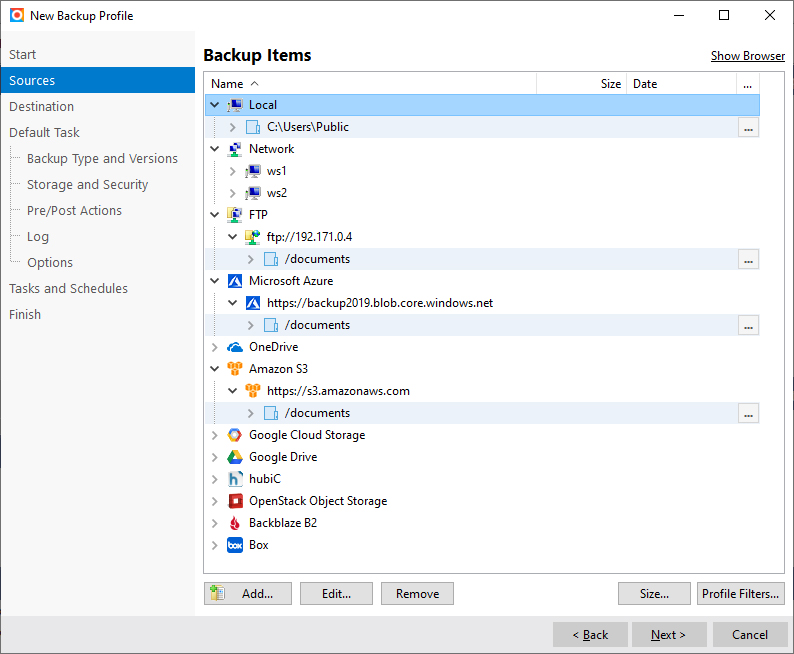
Select what data you want to backup:
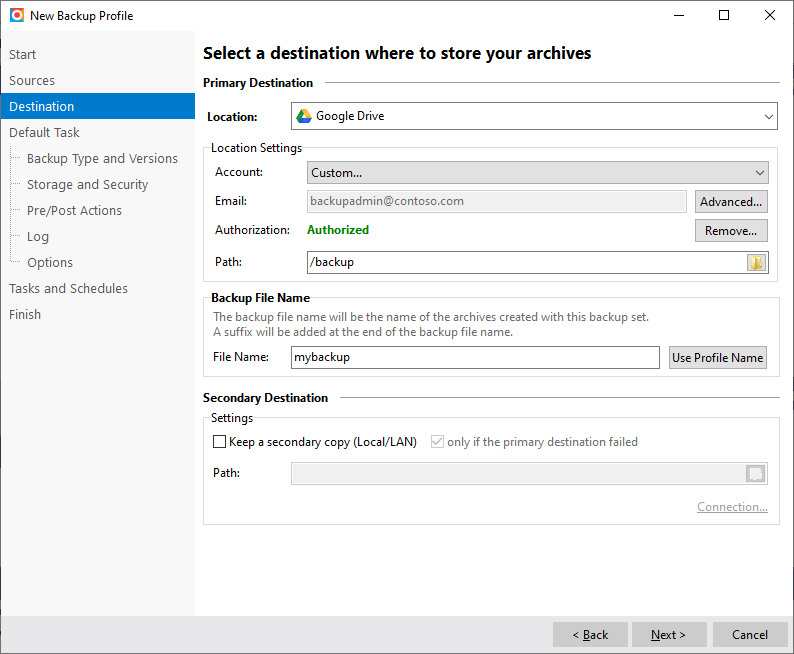
Set the Destination to Google Drive. You need to authorize KLS Backup to connect to your Google Drive account.
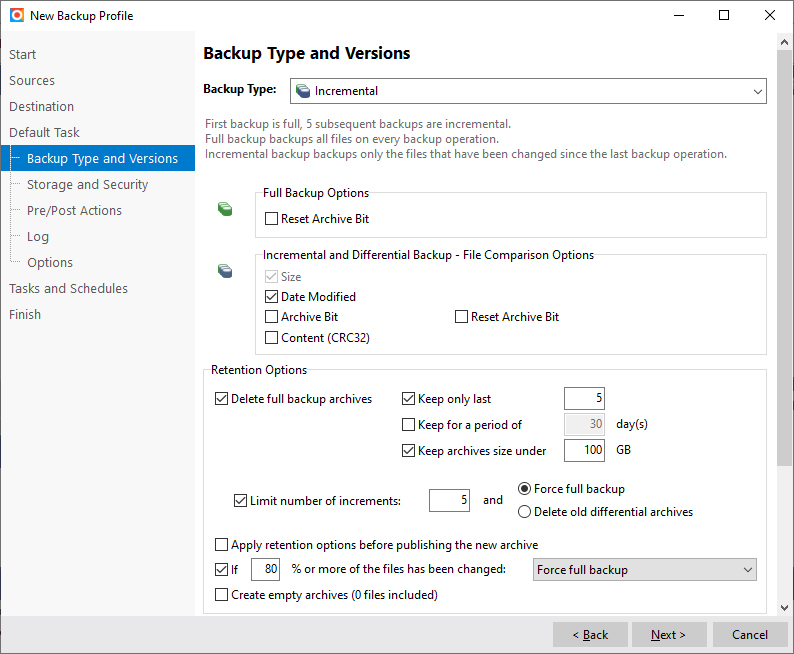
Set your preferred backup options:
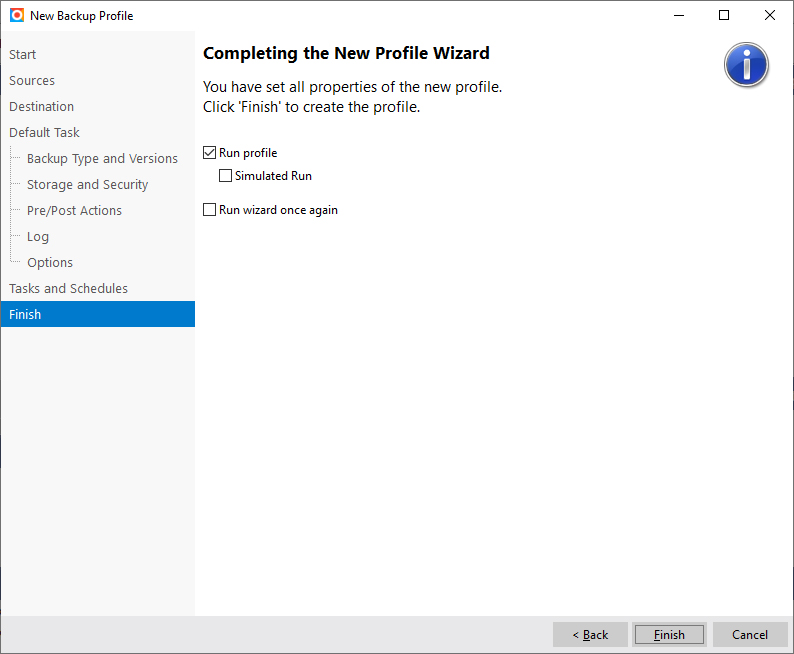
Click Finish to perform your backup to Google Drive!